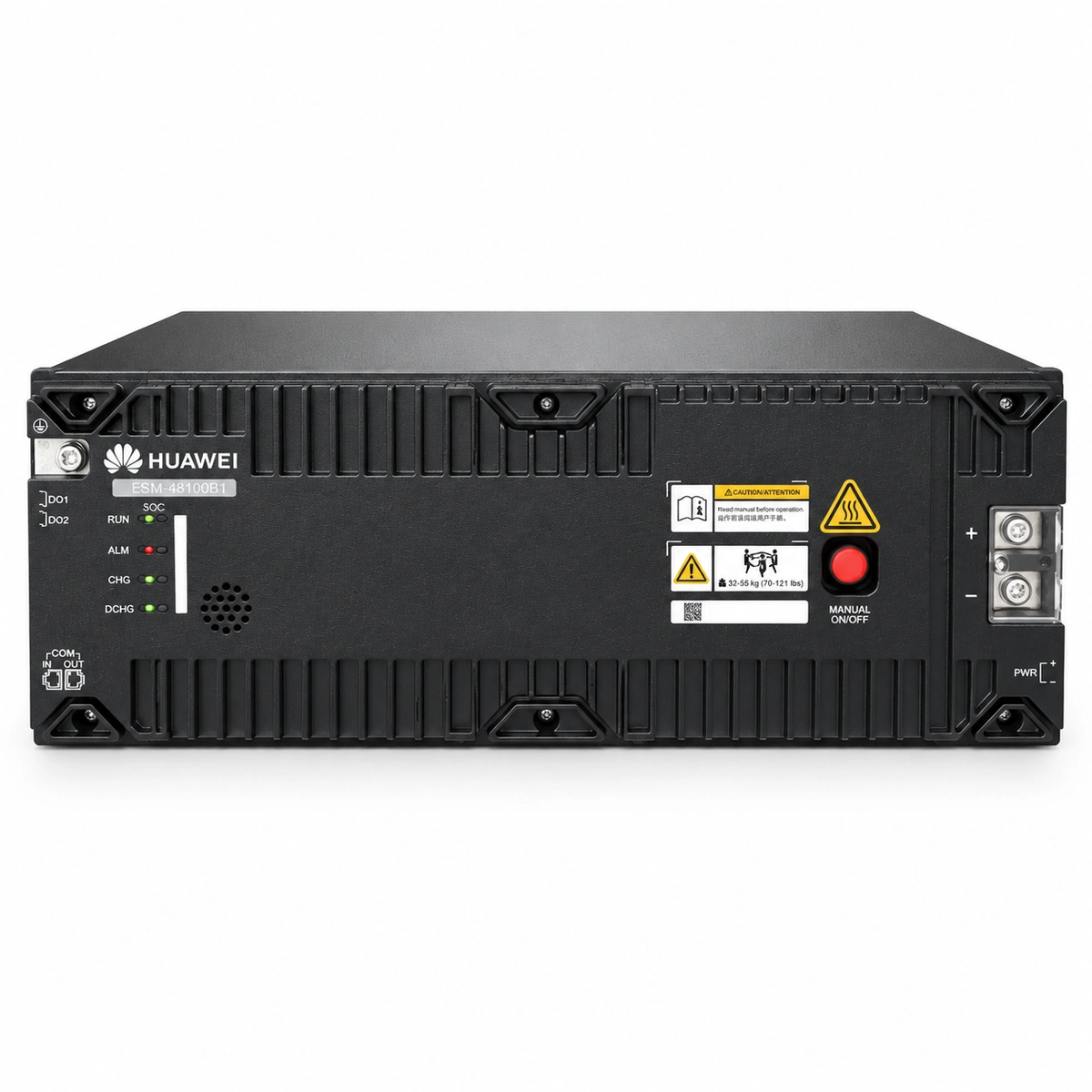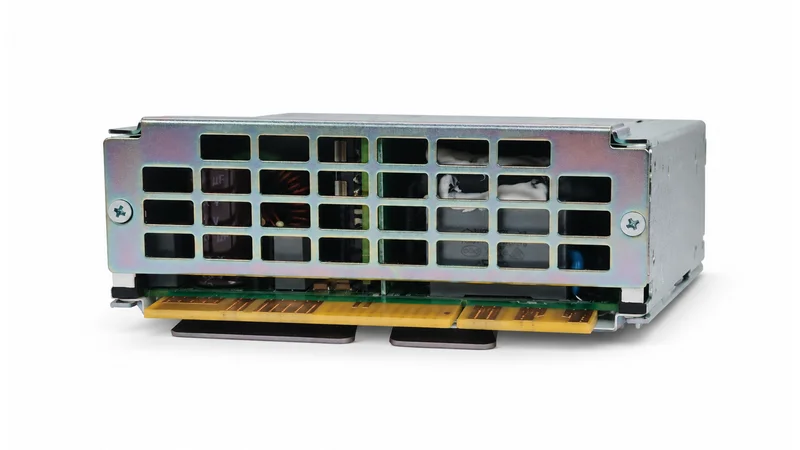
Should you buy the Huawei R4850N2?
Buy the Huawei R4850N2 for a compatible telecom shelf needing a 3000 W rectifier, 53.5 V default output and 176–300 V AC full-power input. Skip it for a standalone bench supply or a single-module load exceeding its 50 A planning ceiling. Include battery charging and module failure in your purchase calculation.
Which sites should buy the R4850N2?
Choose this module when replacing an R4850N2 or expanding a matching Huawei telecom power shelf. It converts single-phase AC into adjustable DC for communications equipment and battery-backed power systems. Its output range is 42–58 V DC. The input operating range is 85–300 V AC, with full rated power available at 176–300 V AC.
That distinction matters at weak-grid sites. Huawei's V1.2 manual gives a reduction from 3000 W to 1250 W between 176 V AC and 85 V AC. A low input voltage therefore changes your module count. Record the lowest sustained site voltage before placing an expansion order.
For purchasing, use 50 A as the nominal current planning ceiling. Check both current and power throughout the site's operating voltage range. A 3000 W label alone leaves the current budget incomplete.
How many amps will your equipment draw?
Calculate DC current using I = P × 1000 ÷ V, with P in kW and V in volts. At the default 53.5 V output, each amp represents 53.5 W. Conversely, 50 A represents 2675 W at that voltage. This gives a practical planning boundary below the 3000 W power rating.
Here are three completed examples, using continuous equipment load before charging:
Repeat the calculation at the lowest operating bus voltage. At 48 V, the same 2.4 kW equipment draws exactly 50 A. Battery discharge therefore consumes the headroom visible in the 53.5 V calculation.
A 1.5 kW load draws 1500 ÷ 53.5 = 28.04 A. One module leaves 21.96 A within the 50 A planning budget.
A 2.4 kW load draws 2400 ÷ 53.5 = 44.86 A. Only 5.14 A remains, making this a tight single-module purchase.
A 3.2 kW load draws 3200 ÷ 53.5 = 59.81 A. Buy capacity beyond one R4850N2, since both current and power exceed the planning limits.
How much capacity should charging and redundancy add?
Add charging current to equipment current before counting modules. For a worked purchase budget, allocate 10 A to battery charging. The 1.5 kW example then needs 38.04 A at 53.5 V. Two R4850N2 modules provide N+1 capacity for that budget, with one module remaining after a failure.
The 2.4 kW example becomes 54.86 A after adding the same 10 A charging allocation. Order three modules for N+1 planning: two carry the budget after one fails. The shelf, input distribution and DC branches must support that configuration.
Use the same method for future growth. Specify the charging allocation explicitly in the purchase request. A spare module stored separately improves replacement readiness; an installed redundant module protects operating capacity immediately.
What should replace a single overloaded module?
For a compatible shelf with free positions, expand using additional R4850N2 modules. The 3.2 kW example needs two operating modules under the 50 A planning rule. Buy three for N+1 operation, then add charging demand to the calculation.
For a new higher-capacity system, evaluate Huawei R48100G1 equipment. Its documented maximum output is 6000 W, with a 100 A designation and three-phase 260–530 V AC input. Choose a complete system designed for R48100G1 modules. This changes the shelf and AC supply requirement; it is a system purchasing alternative.
Keep the distinction clear in the quotation request. Ask for either R4850N2 expansion in the existing host or a complete R48100G1 system proposal.
Which electrical and installation details belong in the order?
Specify 45–66 Hz input operation, with nominal frequency of 50 Hz or 60 Hz. List the required DC setpoint within 42–58 V. Include the host shelf model, controller identity and existing rectifier labels so the supplied configuration matches the installation.
The module uses forced-air cooling and weighs at most 2 kg. Its documented operating temperature range is −40°C to +75°C. Relative humidity is 5%–95%, without condensation. Preserve the shelf's airflow route when allocating rack space and cable access.
For replacement purchases, send clear photographs of the existing label, connector and shelf. Include the installed module count and planned final count. These details help distinguish a spare-module order from a capacity expansion project.
What should you request before accepting delivery?
Request an itemized quotation naming Huawei R4850N2, quantity, condition and the agreed host configuration. For refurbished units, request the individual inspection and load-test record. Match serial labels to the delivered units and inspect connectors, handles and cooling paths.
Have a qualified technician record the output setpoint, load sharing and controller alarms during commissioning. Include equipment demand and charging demand in the acceptance load. Send RICEWIND your load figures, AC supply, shelf identification and desired redundancy for a configuration quotation. Price, delivery and warranty belong in the agreed quotation and contract.
Where do the numbers come from?
The voltage, power, frequency, environmental and nominal-current figures come from our supplied product notes for Huawei R4850N2. Low-input derating comes from Huawei's R4850N2 Rectifier User Manual V1.2, copyright 2017, page 1. R48100G1 figures come from our corresponding product notes. Load currents and module counts are calculated examples using the stated voltage, charging allocation and 50 A planning ceiling. Product photographs identify the cover asset; they supply no additional electrical ratings.
Engineering Procurement & Technical Desk
For technical datasheets, custom power topology design, or volume export quotations, reach out to RICEWIND engineers.
Read the RICEWIND editorial policy to see how we verify technical content