Vertiv / UPS power

Liebert EXS 60kVA Equipment information & support

The Vertiv Liebert EXS 60kVA (EXS 0060kBCB01) is an integrated high-density monolithic 3-phase online double-conversion UPS delivering unity power factor (60kVA/60kW) for mission-critical facilities.

Equipment information

Brand
Vertiv
Equipment model
Liebert EXS 60kVA
Equipment type
UPS power
Controller / software version
Confirm against the installed equipment
View full product specifications
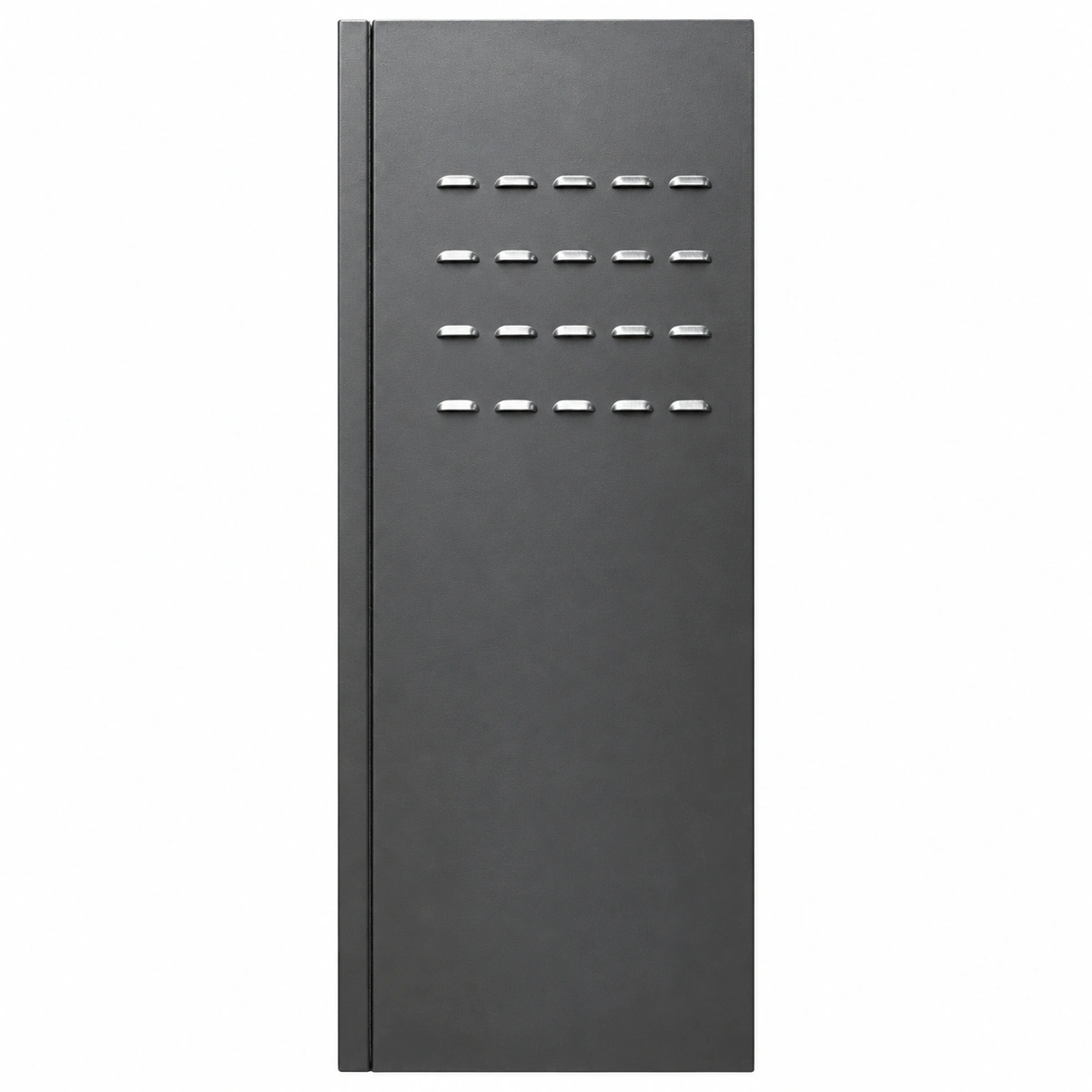
Liebert EXS 60kVA Official Product View 4

Information below comes from the current product catalogue. Confirm the controller, software version and configuration of the installed equipment separately.

Apparent Power
60000 VA
Active Power
60000 W
Output Power Factor PF
1.0
Topology
Highly reliable integrated industrial-grade online double-conversion UPS
AC Input Voltage Range
228 ~ 477 VAC (three-phase input)
Nominal DC Output Voltage
380/400/415 VAC

Alarms & troubleshooting

MAINS_VOLT_FAULT (Mains Input Voltage/Freq Abnormal)
Alarm LED amber solid, Rectifier LED off, Battery LED green solid
Mains utility outage, phase voltage or frequency beyond rectifier tolerance, phase reversal, or tripped input breaker.
1. Measure phase-to-neutral and phase-to-phase voltages at rectifier input terminals to verify tolerance (380V/400V/415V ±15%). 2. Verify input AC rotation matches forward phase sequence (L1-L2-L3). 3. Check if the mains input MCCB/isolator is fully closed and auxiliary contacts operate normally. 4. If fed by a diesel generator, inspect voltage regulation and frequency stability against rectifier input limits.
INV_FAULT (Inverter Fault - Transfer to Bypass)
Alarm LED red solid, Inverter LED off, Bypass LED amber solid, buzzer continuous tone
Inverter IGBT bridge driver error, DC bus over/under-voltage, output filter capacitor failure, or output voltage deviation triggering static transfer to bypass.
1. Verify that critical load is safely sustained via static bypass without interruption. 2. Query the LCD event log to capture secondary fault descriptors (e.g., DC Bus Overvoltage, IGBT Desaturation). 3. Attempt an alarm reset and inverter restart sequence via the display panel. 4. If failure persists, engage the external maintenance bypass switch, isolate the power module, and replace defective inverter components.
BAT_CB_OPEN (Battery Breaker Open/Disconnected)
Alarm LED amber solid, Battery LED red blinking or off, buzzer intermittent beeps
Internal or external battery circuit breaker (BCB) is in OFF position, BCB auxiliary signal cables loose, blown DC sensing fuse, or battery string disconnected.
1. Visually check if the internal/external BCB isolator handle is firmly locked in the ON/CLOSED position. 2. Measure the open-circuit DC voltage at the battery input terminals to confirm correct polarity and nominal voltage level (typically 36-40 blocks, approx. 432V-480V DC). 3. Inspect the auxiliary contact wiring (BCB trip and status feedback) terminated on the UPS signal interface board. 4. If DC voltage and status contacts are nominal, initiate a manual 'Battery Test' via the LCD to clear the alarm state.
OUTPUT_OVERLOAD (Inverter Output Overload)
Alarm LED amber solid/blinking, Overload icon displayed on LCD, Bypass LED turns amber solid if transferred
Total connected load exceeds UPS rated capacity (60kVA/60kW), severe phase imbalance, downstream inrush surge, or localized short-circuit.
1. Check the active LCD mimic for L1/L2/L3 output current, apparent power (kVA), active power (kW), and load percentage. 2. Immediately shed non-critical loads or secondary air-conditioning/auxiliary power circuits to drop below 100%. 3. If single-phase overload occurs with low total kW, redistribute loads across downstream branch PDU breakers. 4. Once load is within nominal bounds, confirm automatic transfer back from bypass to inverter mode.
BAT_EOD_ALARM (Battery End of Discharge / Low Voltage)
Alarm LED red solid, Battery LED red flashing rapidly, buzzer fast rapid pulsed tone
Prolonged mains outage; batteries discharged near final cut-off voltage threshold (approx. 1.65V-1.75V/cell); shutdown is imminent to prevent cell degradation.
1. Immediately start and synchronize the standby diesel generator (genset) or switch to alternate utility feeds to restore rectifier input. 2. If generator power is unavailable, execute emergency server OS shutdown scripts across all connected telecom and IT infrastructure. 3. Upon AC supply restoration, verify that the UPS smoothly restarts and initiates controlled battery recharging (typically current-limited to 0.1C). 4. If EOD triggered erroneously while mains was present, manually measure block voltages to isolate failing cells or loose sense-lead connectors.

Access Complete Maintenance & Full Alarm Troubleshooting Manual

This page lists high-frequency critical alarm codes commonly encountered in field maintenance. Comprehensive manufacturer troubleshooting matrices, board-level repair guides, detailed electrical schematics, and firmware commissioning manuals are delivered alongside equipment upon formal project procurement, accompanied by dedicated FAE technical support.

Share on-site information

  1. 01

    Identify the exact model

    Record the nameplate, system model and controller or module model.

  2. 02

    Keep the alarm details

    Record the full alarm text, indicator colour, timing and whether it persists.

  3. 03

    Describe recent changes

    Note recent replacements, software updates or configuration changes.

Record information visible in the existing interface. Electrical measurements, disassembly and replacement should follow the applicable manufacturer's manual and be performed by qualified personnel.

Your model and these details will be added to the enquiry form for you to review before sending.

Related technical articles

Browse the technical guides or send a question about this model.

View all articles

Need a replacement module or supporting equipment?

Confirm the full model, system configuration and compatibility requirements before enquiring about suitable products.

Ask about suitable products

Have a model and an on-site issue?

Share the exact model, alarm text and observed symptoms to help identify relevant information and compatibility requirements.

Request technical support