
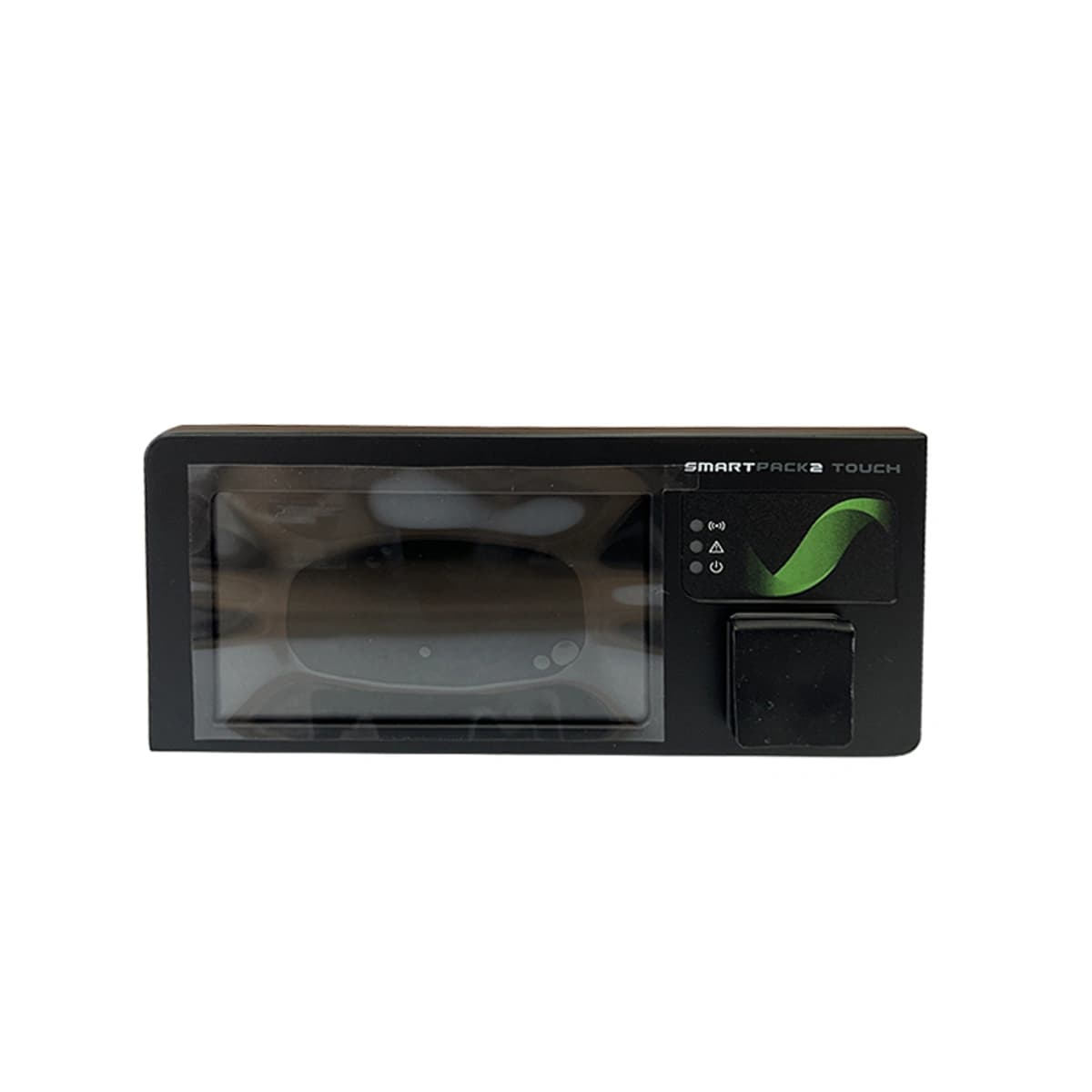
Smartpack2 Touch (242100.510) Equipment information & support
Eltek Smartpack2 Touch (Part Number: 242100.510) is the flagship master controller for Eltek DC power systems, featuring a 3.2-inch color TFT touchscreen and dual CAN bus architecture for comprehensive power and battery management.
Equipment information
- Brand
- Eltek
- Equipment model
- Smartpack2 Touch (242100.510)
- Equipment type
- System Controllers & Monitoring Units (SMU/CSU)
- Controller / software version
- Confirm against the installed equipment
Information below comes from the current product catalogue. Confirm the controller, software version and configuration of the installed equipment separately.
- Controller Architecture
- Smartpack2 Touch Master Controller
- Display Screen
- 3.2-Inch High-Contrast Color TFT Touchscreen
- Operating Voltage Range
- 18VDC ~ 60VDC (Nominal 24V/48VDC)
- Network & Bus Ports
- Dual CAN Bus, 10/100M Ethernet, RS232/485
- Supported Protocols
- SNMP v1/v2c/v3, Modbus, Web HTTP/HTTPS
- Operating Temperature
- -40°C ~ +65°C
Alarms & troubleshooting
No public alarm guide is available for this model yet
Share the original alarm text and controller version to help identify applicable documentation. Alarm definitions and procedures may vary by version.
Share on-site informationShare on-site information
- 01
Identify the exact model
Record the nameplate, system model and controller or module model.
- 02
Keep the alarm details
Record the full alarm text, indicator colour, timing and whether it persists.
- 03
Describe recent changes
Note recent replacements, software updates or configuration changes.
Record information visible in the existing interface. Electrical measurements, disassembly and replacement should follow the applicable manufacturer's manual and be performed by qualified personnel.
Related technical articles
Browse the technical guides or send a question about this model.
View all articlesNeed a replacement module or supporting equipment?
Confirm the full model, system configuration and compatibility requirements before enquiring about suitable products.
Have a model and an on-site issue?
Share the exact model, alarm text and observed symptoms to help identify relevant information and compatibility requirements.