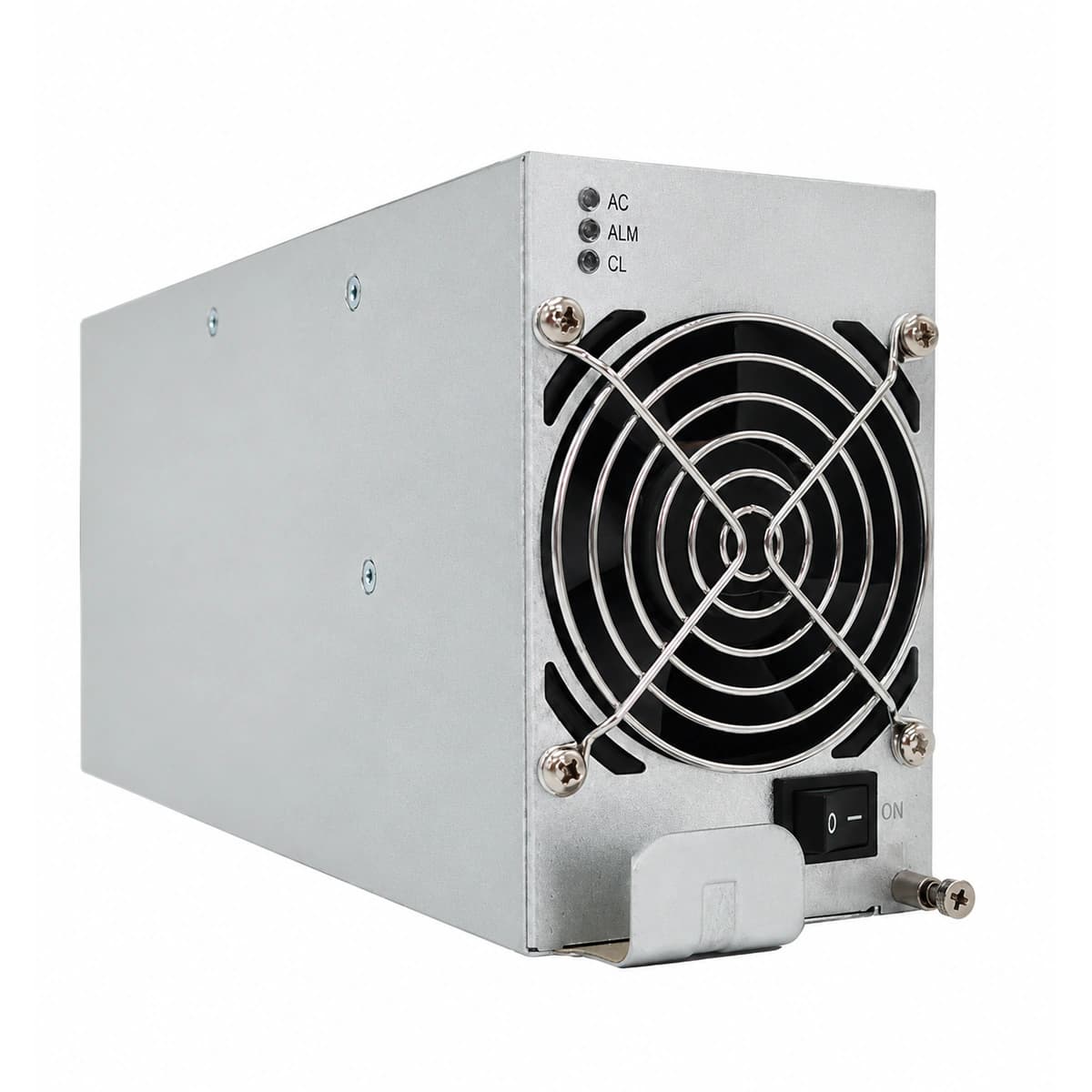
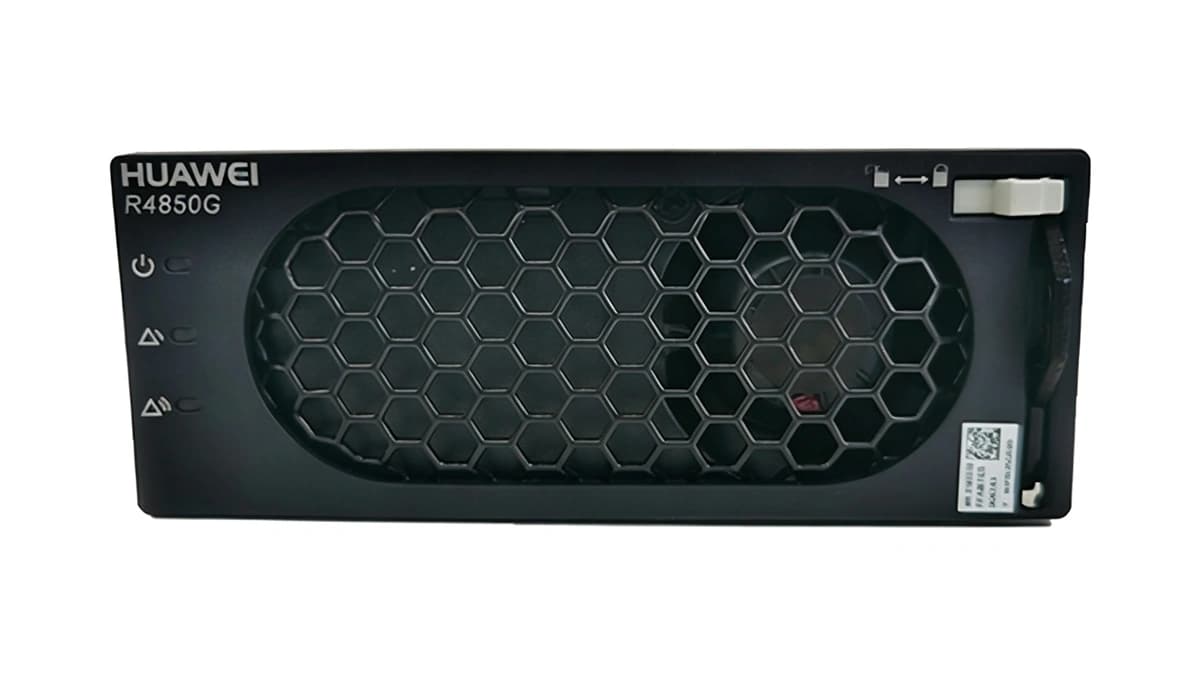
AC_IN_FAIL / VOLT_ABNORMAL
Input Amber LED blinking, module in standby protection mode
Utility input voltage outside operating limits (<85VAC or >300VAC) or internal input fuse open
1. Measure AC line-to-neutral voltage at the module slot with a multimeter;\n2. Inspect corresponding subrack AC input circuit breaker status;\n3. If grid voltage is normal, extract module and examine rear gold-finger pins;\n4. Reseat into an adjacent empty slot to rule out backplane connector faults.
DC_OV_SHUTDOWN / LOCKOUT
Alarm Red LED solid, module output locked out with 0V DC
Internal voltage feedback loop fault caused output to exceed HW threshold (>59.5V), or external bus backfeed
1. Measure actual DC bus voltage to ensure no external overcharging backfeed;\n2. Open AC supply breaker and allow 60 seconds for internal capacitors to discharge;\n3. Power-cycle module; if red lockout recurs immediately, replace rectifier unit.
FAN_FAIL / OVER_TEMP
Temperature Amber LED solid, cooling fan halted or output power derated
Air filter clogged with dust, cooling fan bearing seized, or ambient temperature exceeds +75°C
1. Clear accumulated dust and debris from front ventilation slots and mesh;\n2. Inspect fan blades for mechanical obstruction and verify spin-up on boot;\n3. Check cabinet ventilation airflow and ambient air-conditioning operation;\n4. If fan remains stalled, replace with genuine speed-regulated brushless DC fan.